
Wikipedia games and other internet rabbit holes
A normal search starts with an answer you want. A good internet rabbit hole starts with something you did not know to ask. These games use linked articles, pictures and places as things to explore. Some give you a target; others let a small discovery choose the next direction.
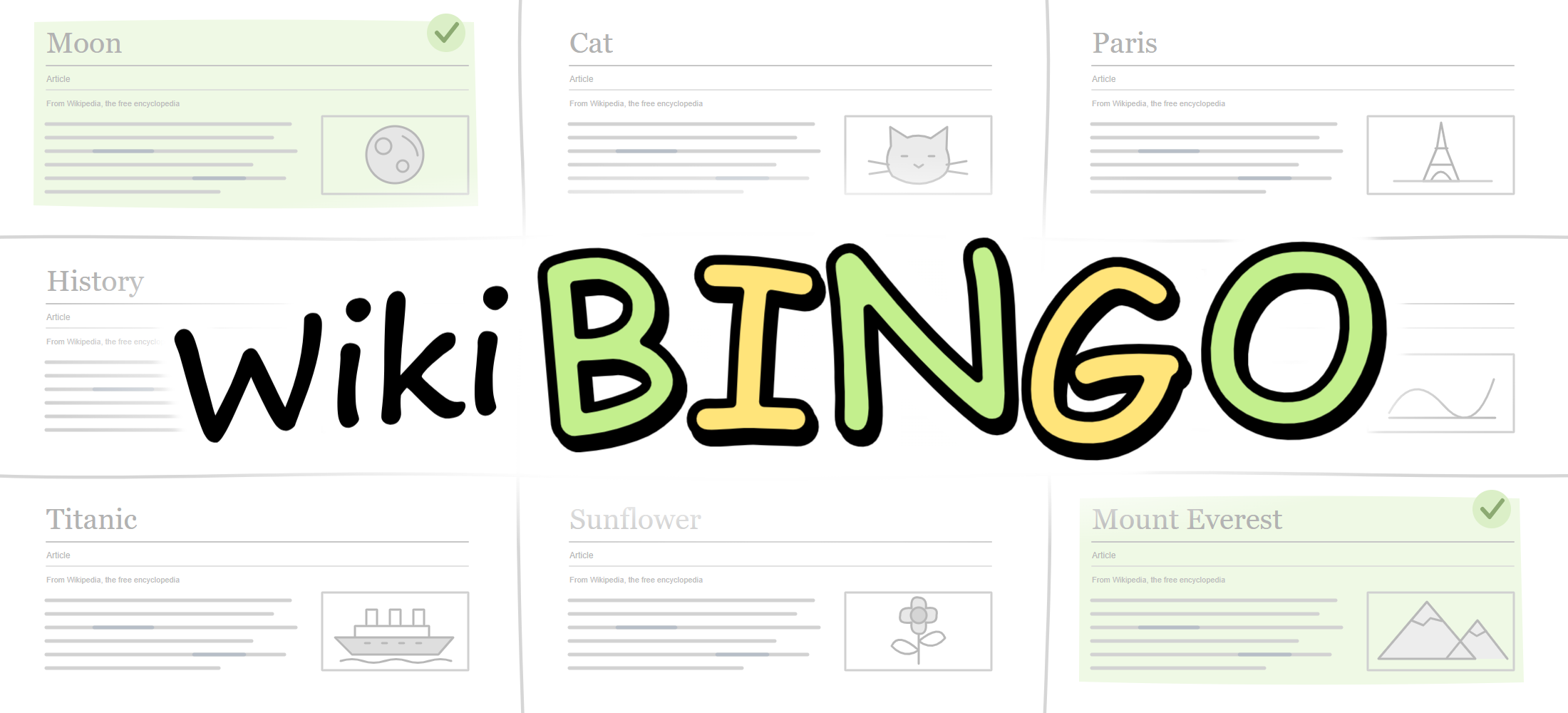
WikiBINGO: make the detour count
WikiBINGO gives article-hopping a purpose. Read the squares, then follow links through the built-in Wikipedia reader to find pages that satisfy them. There is a clock, so every promising detour has a cost.
Read the whole board before choosing a route. A page about a person might lead to their hometown, a historical event or a field of research. When a route stops producing useful links, look for another connection. Play alone to learn the format, or enter a room for a shared round.
Wiki Zoom: follow a picture instead of a word
Wiki Zoom is slower and more open-ended. Move through a field of Wikimedia images, zooming and dragging to find something that catches your attention. There is no board to complete and no single correct route.
Pause when an image interests you. Shift-click opens its source; Alt-click opens its page connection. C opens credits and H returns you to the beginning. Pictures can take time to arrive as you zoom, so give a new area a moment to load.
Look around the world
GeoFinder turns street imagery into a scavenger hunt. Instead of identifying a country from a screenshot, you move through Google Street View looking for a target object. Try the daily challenge or create a lobby and let friends vote on claimed finds.
Earth Patch Notes presents the planet as a world receiving updates. Browse a note, locate its place on the globe and move on to another. This playful format is not an official live news feed.
Start with WikiBINGO for a timed challenge, Wiki Zoom for an unhurried browse, GeoFinder for a search, or Earth Patch Notes for a tour through the supplied updates.