Games on LiamMcshane.com
Small browser games and internet experiments by Liam McShane. Pick something to play, or read a guide before jumping in.

A tiny fly, a world to explore, and a live view of its activity.
How to start
Drop food, try the push tool and watch how the fly moves. Compare its vision panel with the neural activity display. The experiment uses reconstructed brain connectivity with a simplified simulation; it is not a recording of a living fly’s thoughts. Initial model loading can take time.
Play Digital Fruit Fly
Art made by people answering each other’s prompts.
How to start
Choose Make prompt to leave an idea, or Draw prompt to pick someone else’s request. Use the drawing tools, finish your picture and explore the shared artwork. Your anonymous identity and gallery access are tied to this browser, so download drawings you want to keep.
Play Human Art Generator
Put two unlikely contenders in the same fight.
How to start
Enter a name for each contender and choose Fight. The game prepares images and statistics before the matchup starts. Preparation can take time. The statistics belong to a fictional game and are not factual evidence about real people, animals or objects.
Play ?vs?
A bingo board that sends you down Wikipedia rabbit holes.
How to start
Choose Play for a solo round or Multiplayer for rooms. Read the board, follow links in the built-in article reader and look for pages that satisfy the squares before time runs out. A person can lead to a place, an event or an unfamiliar field of research.
Play WikiBINGO
What if Earth published patch notes?
How to start
Select a note and explore its place on the globe. Browse at your own pace and move between the supplied updates. The patch-note format is a playful presentation rather than an official service or a guarantee of live coverage of every event.
Play Earth Patch Notes
An everyday setting turned into an unnecessarily difficult game.
How to start
Read the target and use the on-screen control to reach it. Make a small adjustment, check the result and correct your movement. Reset the number for a fresh attempt. The target is a game value; your device’s volume setting still determines listening volume.
Play Volume Control
Your drawing gets legs. What happens next is the experiment.
How to start
Draw a connected creature, switch to Bones and mark its body and legs. Name it, start training and watch the attempts to move. Save creatures in Doodles and compare them in a race. Start simple and use the tutorial if the skeleton tools are unfamiliar.
Play Learn to Walk
Find the right typeface for a feeling.
How to start
In Practice, read the emotion and browse fonts before the timer ends. In a lobby, choose a font and vote for the best match. Compare letter shape, weight and spacing instead of choosing only a familiar name. Different players can read the same typeface differently.
Play Find A Font
Your mouse pointer becomes the weapon.
How to start
Pick a weapon from the wall and try Bot match to learn its reach. Move the mouse to swing. With weapons that support shooting, hold click or Space. Customise changes your cursor’s appearance. A desktop mouse gives you room to practise the movement.
Play Cursor Wars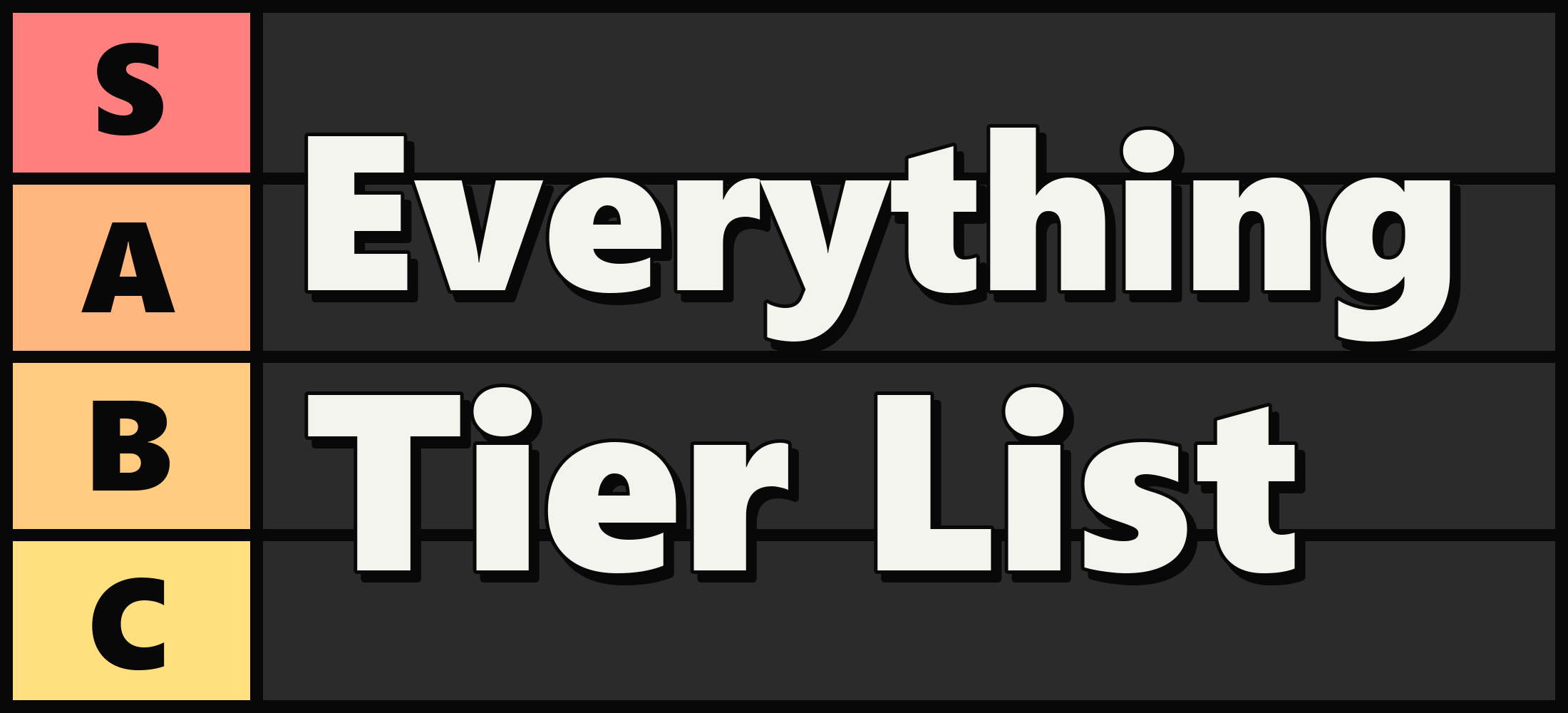
A very large ranking argument with room for more things.
How to start
Move tiles between tiers to express your ranking. Use the zoom controls to navigate. Click a tile to inspect its picture, text, source information and comments. Choose a criterion before ranking a group of items: usefulness and personal enjoyment may give very different results.
Play Everything Tier List
An image field that rewards looking closer.
How to start
Scroll or pinch to zoom and drag to move. Arrow keys move the view, plus and minus change zoom, and H returns to the beginning. C opens credits. Shift-click opens an image source; Alt-click opens its page connection. New pictures may take time to load.
Play Wiki Zoom
A scavenger hunt in real street imagery.
How to start
Choose the Daily Challenge for a solo search, or create or join a lobby. Read the target, move through Street View and frame the object when you find it. Found! submits your view. In multiplayer, other players vote on whether the view shows the target.
Play GeoFinder